WhatsApp Chat Module Now Available for Divi 5, Plus Poll & Vote
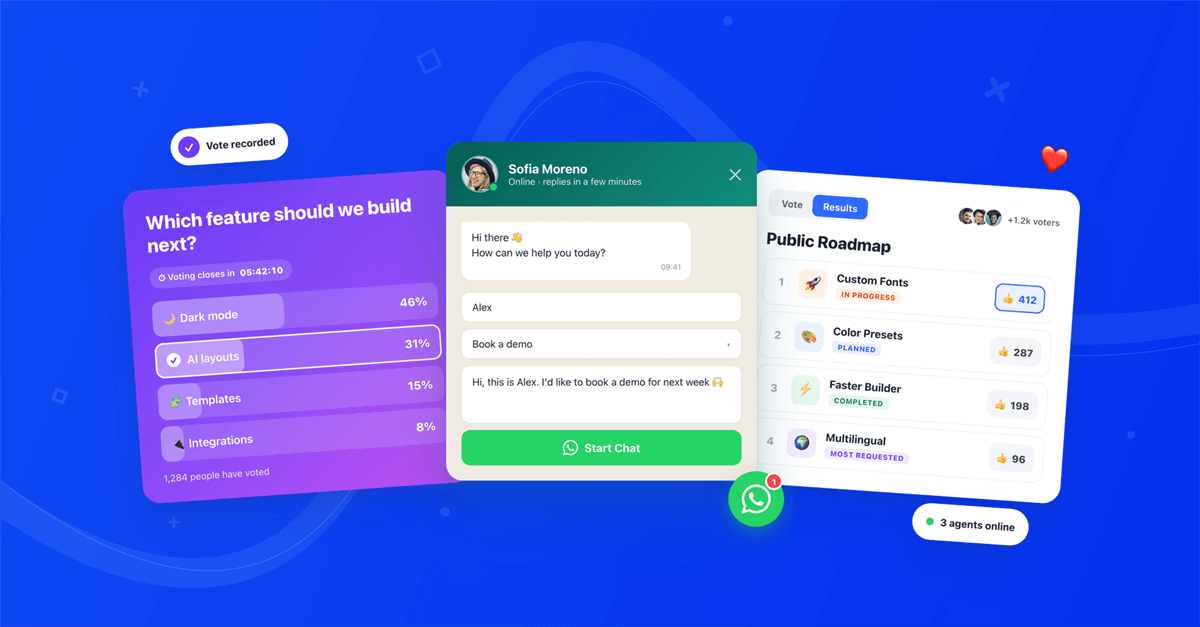

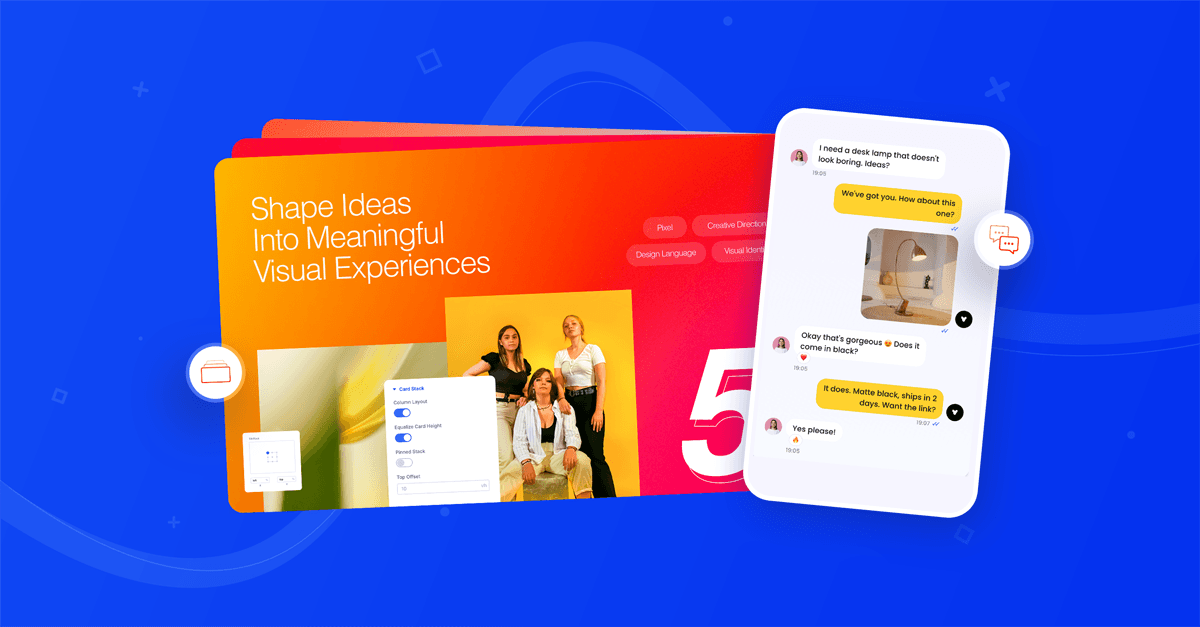
Three weeks ago we released the Card Stack and Conversation, two Divi 5 modules built around motion. This release is about talking with your visitors. The headline is the new WhatsApp Chat module, and it comes with two more: Poll and Vote.
The last update made your pages move: cards that stack as you scroll and chats that type themselves out. This time your visitors get to answer back. WhatsApp Chat starts a real conversation with your business in one click, Poll asks visitors a question, and Vote lets them rank a whole list of ideas. All three are native Divi 5 modules, so everything is set up in the Visual Builder with live preview.
Contents
WhatsApp Chat: one click to a real conversation
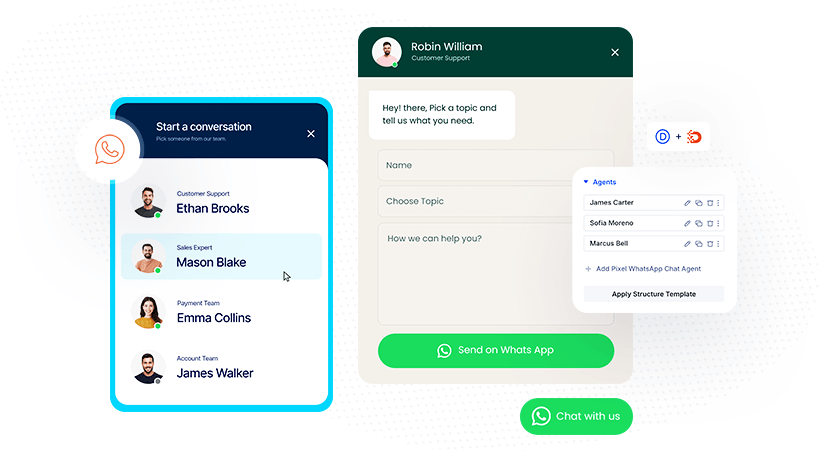
For many businesses, WhatsApp is where customers already are. Until now, adding it to a Divi site meant a Button with a hand-built wa.me link or another chat plugin. The WhatsApp Chat module adds a floating chat button to any corner of the screen, or an inline button anywhere in your layout, and styles it like the rest of your site.
Each agent is its own child module with a WhatsApp number, photo and working hours. With one agent, the button opens their chat window. With two or more, visitors first pick the right person from a list.
What you can control:
- Floating or inline. Pin the button to a corner of the screen, or place it in the page flow, for example under a product's add-to-cart button. Add it to a Theme Builder footer to show it on every page.
- Chat box or straight to WhatsApp. Open a chat box with a greeting and a short form, or send visitors directly to WhatsApp.
- Multiple agents. Add Sales, Support and Billing, or every team member, each with their own number and photo.
- Available hours. Set working hours per agent, with an online status dot and an offline message, or allow chats while offline so visitors can always leave a message.
- Chat form. Collect a name, a topic and a message and pre-fill them into the WhatsApp message, for example "Hi, this is %%name%%, I'd like to book: %%topic%%". Add %%page.title%% to know which page or product the visitor is asking about.
- Notification badge and auto-open. Show a badge like "1" and open the chat box automatically after a delay, with a friendly greeting from a real team member.
- Full styling. Style the button, the label, the chat box, the agent list and every form field in the Design tab.
It's also GDPR-friendly by design. The module uses plain WhatsApp links, with no WhatsApp script, API or account, no external requests, no cookies and no tracking. What a visitor types into the form never leaves their browser until they click to open WhatsApp.
It's built for real visitors too. The chat box works with the keyboard and closes with Esc, screen readers announce the online status and form errors, right-to-left sites get a mirrored layout, and visitors who prefer reduced motion see no opening animation.
Poll: ask one question, get instant answers
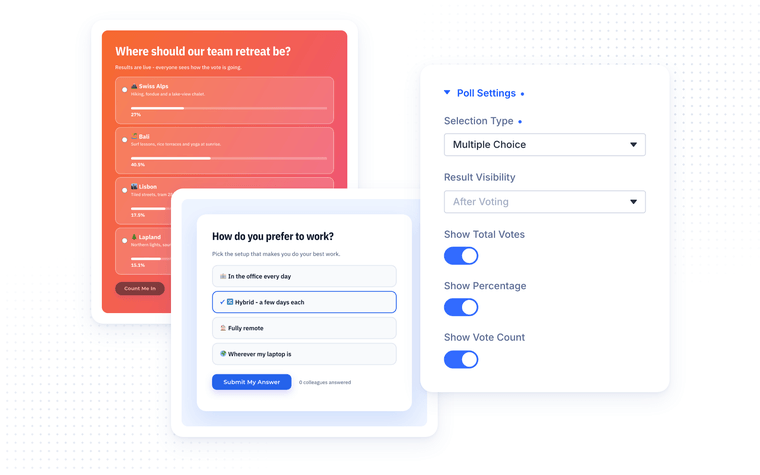
Which feature should we build next? Where should the team retreat go? What should the next blog post be about? The Poll module asks one question and lets visitors answer with a single click. The results fill up with animated bars the moment someone votes, without a page reload.
Every answer is its own child module with a title, an optional description and an optional image, so a poll can be a clean text list or a set of picture cards.
What you can control:
- Single or Multiple Choice. Let visitors pick one answer with radio buttons, or several with checkboxes.
- When results show. After Voting (the default, so the current leader doesn't sway anyone), Always, Before Voting or Never. Once a poll closes, everyone sees the final results.
- Two result styles. Card With Progress Bar puts a slim bar under each answer. Filled Row turns each answer into a row that fills up behind the title like a progress meter, with a check mark on the visitor's own choice.
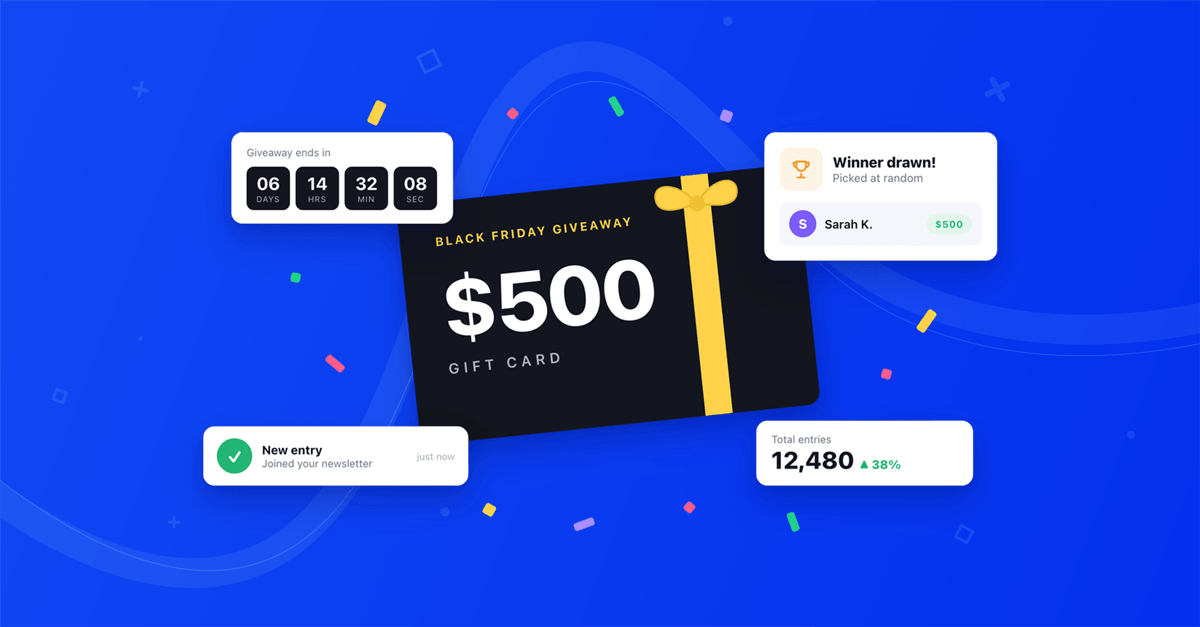
- Schedule and countdown. Open and close voting automatically at a set date and time, and show a countdown like "Voting closes in 05:42:10" before it ends. The poll unlocks and locks on its own, even for a visitor who already has the page open.
- Percentages, vote counts and total voters. Show any of them, with your own label like "{count} people have voted".
- Selected state styling. Style the answer a visitor picked, so their choice stands out, and give single answers their own bar color.
- Reset Votes. Clear the votes of the whole poll or of a single answer right from the builder, without saving the page.
Vote: let visitors rank your ideas
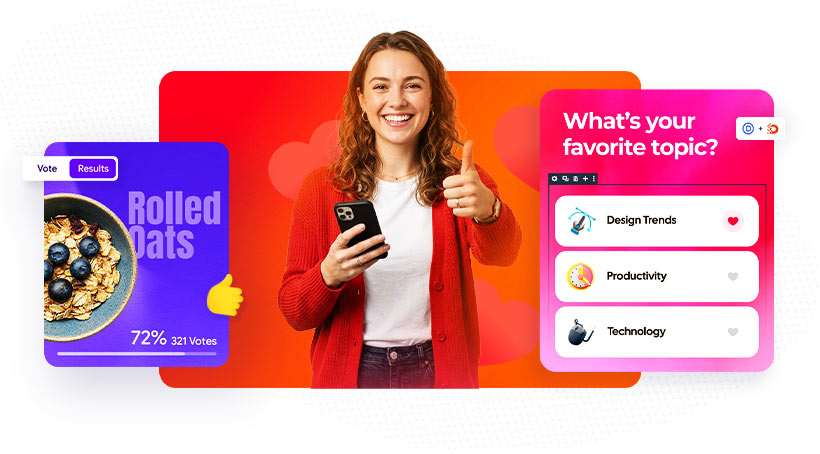
Where Poll asks one question, Vote puts a whole list up for a vote. Every item gets a Like button (or Like and Dislike), votes update instantly, and one click switches to a live Results view with percentages and progress bars. Use it for feature requests, products, menu ideas, speakers, designs or the office pet of the year.
Add a Status like Planned, In Progress or Completed to each item and the module becomes a complete public roadmap. That's exactly how we use it: our own Divi Pixel roadmap runs on the Vote module, so you can try it there and tell us what to build next.
What you can control:
- Four layouts. Show the items as a Grid, a List, a ranked Leaderboard or a Carousel with arrows.
- Like, Dislike or both. Use the default emoji, any Divi icon or your own image for the vote buttons.
- Vote and Results views. A toggle above the items switches to percentages, vote counts and progress bars. In the Leaderboard, the whole row fills up instead.
- Sorting. Keep your own order, or sort by Most Votes or Least Votes so the leaders rise to the top.
- Status and ribbons. Planned, In Progress, Completed and Declined each get a styled ribbon, or write your own like "Shipped in v2.5" or "Most Requested". Completed and Declined items close voting but keep showing their final votes, and you can move completed items to the bottom or hide them.
- Voting rules. Let visitors vote on many items or on a single one, change their vote or make every vote final, and choose how returning voters are recognized.
- Voters counter. Show the total number of voters with a small cluster of avatars from logged-in voters.
Fair voting, built in
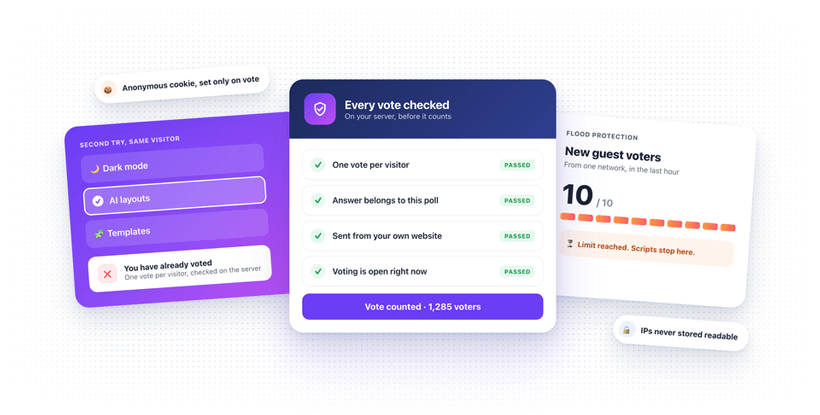
Poll and Vote share the same protection. Votes are stored in your WordPress database, not in the page, so they survive page edits, and every vote is checked on the server. Editing the page code or sending fake requests doesn't add votes, and a single network can add at most 10 new guest voters per hour, which stops scripts from flooding a poll while still letting colleagues in an office vote. Guests are recognized with an anonymous cookie that is only set when someone actually votes, IP addresses are never stored in readable form, and both modules work with page caching plugins.
How to use them
- Update Divi Pixel from Dashboard → Updates
- Open a page in the Divi Visual Builder
- Click + and search for Pixel WhatsApp Chat, Pixel Poll or Pixel Vote
- Add your agents with their WhatsApp number (WhatsApp Chat), answers (Poll) or vote items (Vote)
- Adjust the look in the module's Design tab and watch it update live
Summary
This release adds the WhatsApp Chat module for Divi 5: a floating or inline chat button with multiple agents, working hours, a pre-filled chat form and no tracking. It also brings Poll, for one question with scheduled voting and animated results, and Vote, for ranking ideas with live results and status ribbons. Together with last release's Card Stack and Conversation, that's five new Divi 5 modules in under a month.
The update also adds an Activate on Click option to the Flip Box, so cards can flip on click or tap instead of hover, plus a long list of Divi 5 fixes.
Update Divi Pixel from Dashboard → Updates to get all three modules. Not using Divi Pixel yet? It includes 50+ Divi 5 ready modules and dozens of theme and builder enhancements, backed by our 14 day money back guarantee. See Pricing
Want to see what others build with them, share your own layouts or ask questions? Join the Divi Pixel Community on Facebook. We'd love to see what you make with WhatsApp Chat, Poll and Vote.

Maciej Ekstedt
Maciej, co-founder of Divi Pixel, is a passionate web designer with over 15 years of experience. He has developed dozens of loved Divi products that have earned recognition from the global community. When he's not working on new ideas, he enjoys gardening, walking his dog, and spending time with friends.
Enhance your Divi Theme with Custom Settings and New Modules. Start Creating Awesome Websites with the Divi Pixel
We offer a 14 Day Money Back Guarantee, so joining is Risk-Free!